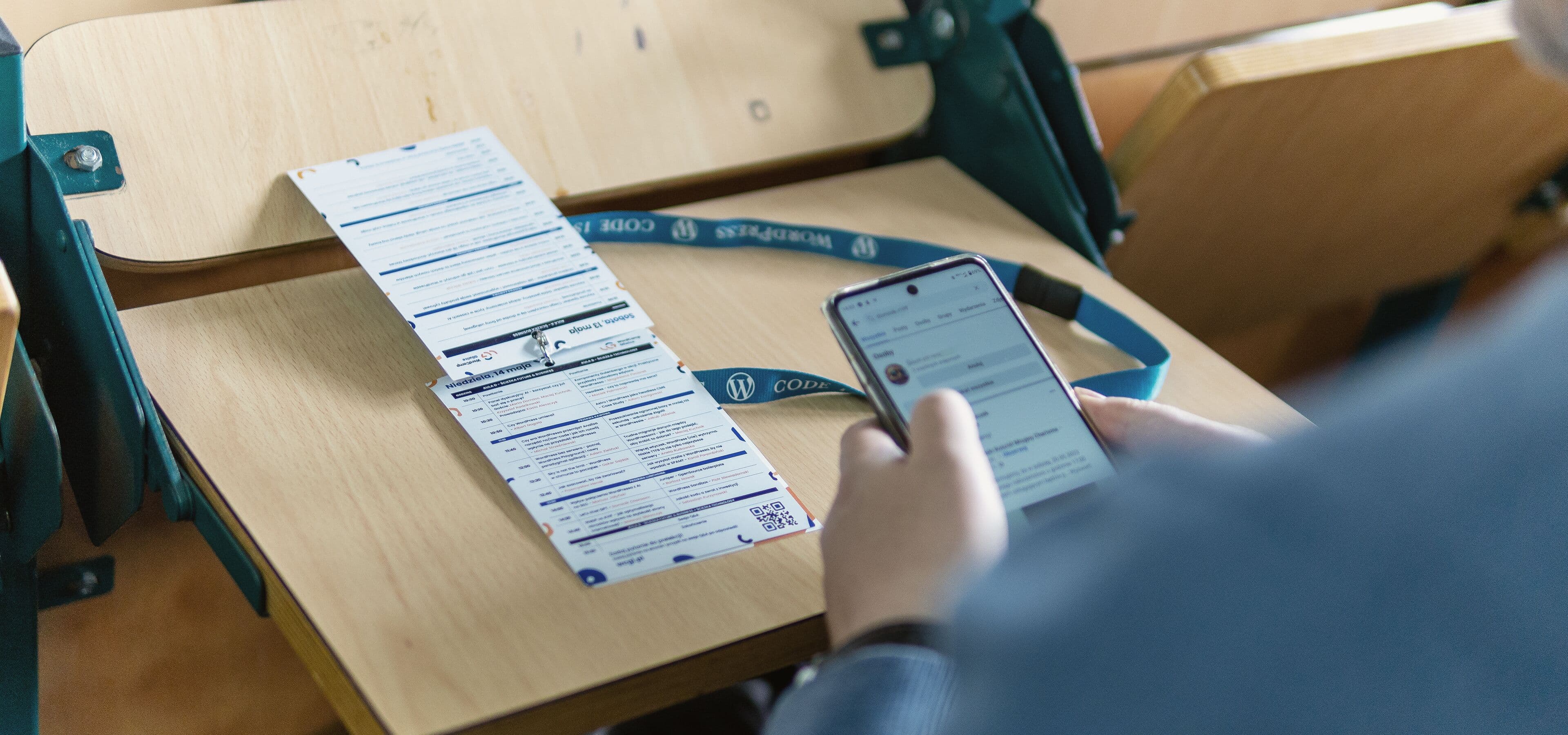
Don’t collect contacts. Make connections.

Your conferences deserve real connections

Opens from a link. Set up in an hour. Agenda, 1:1 meetings, and check-in, free up to 500 attendees.

7 demo dashboards, open without an account.

  • Free up to 500 attendees
  • No password, nothing to install
  • Check-in works offline
  • Servers in Germany (EU)
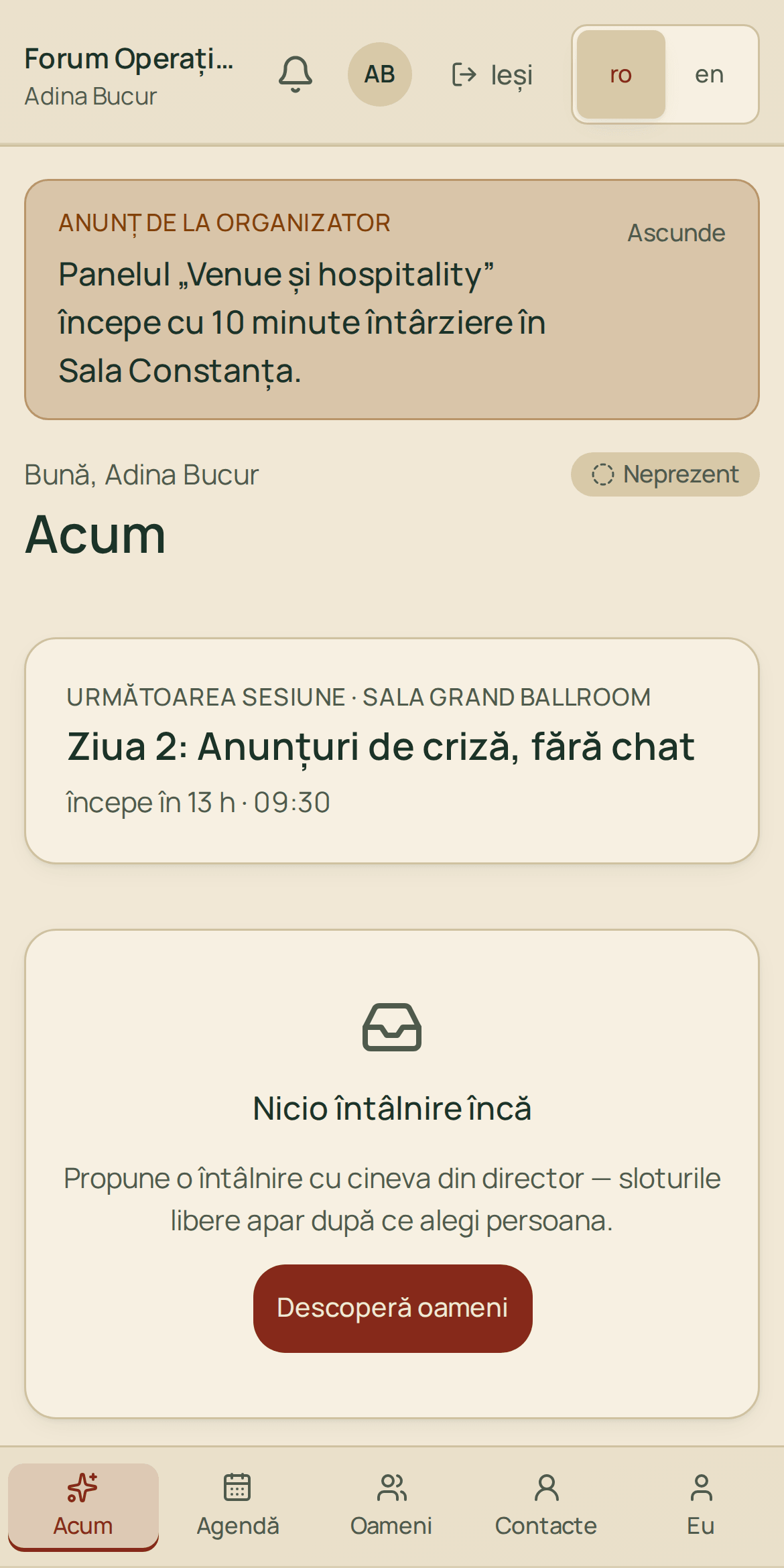
Attendee app on a phone: the Now screen

The product

One app, from registration to report

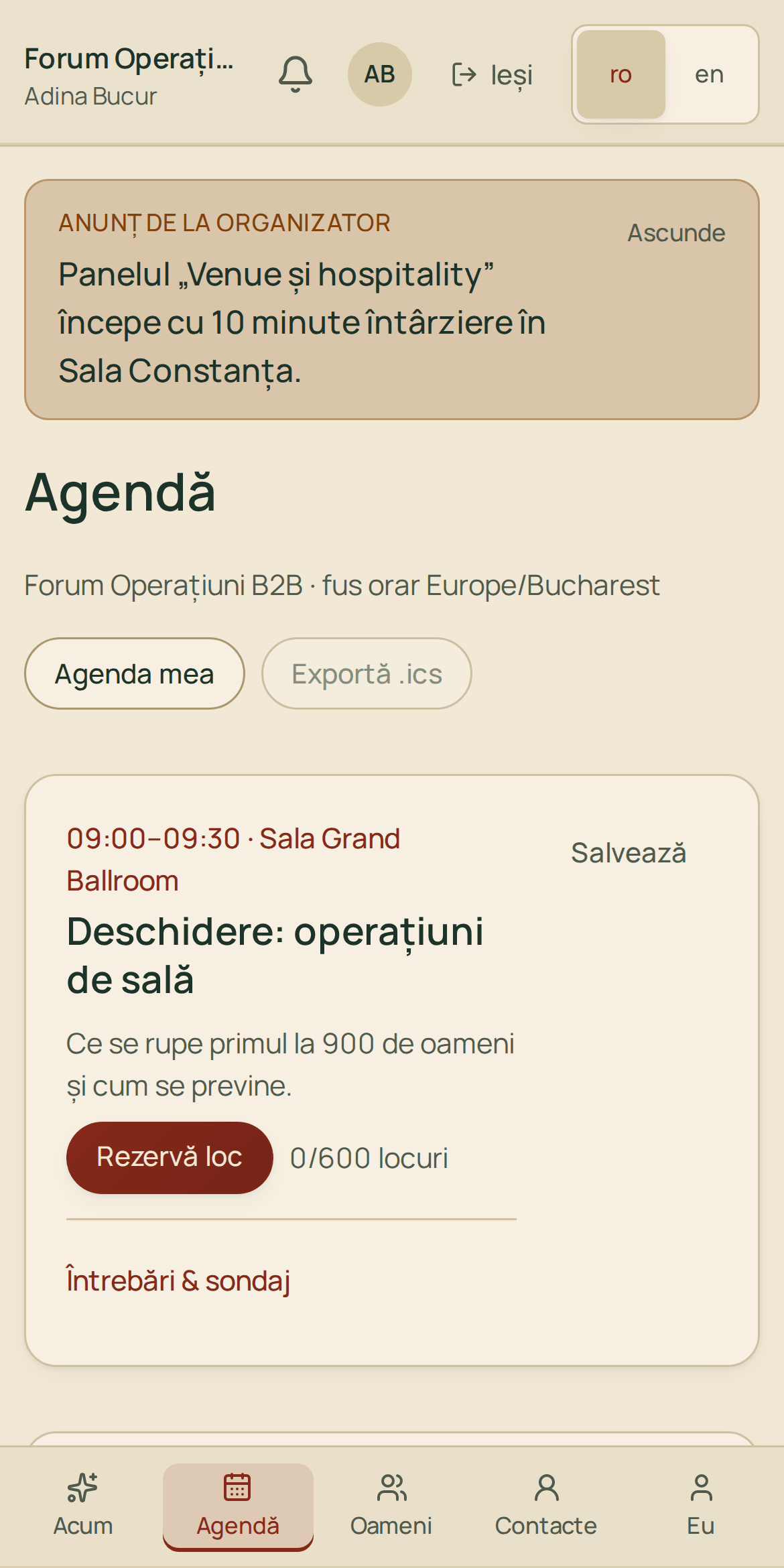
Real screenshots from a 900-person demo forum.

For attendees: agenda, people, meetings

Opens from a link, no password. It shows you who’s worth talking to.

  • The “Now” screen: what’s on, what’s next, your meetings today
  • 1:1 meetings with a time, a table, and a reminder
  • The check-in QR code and the agenda work offline

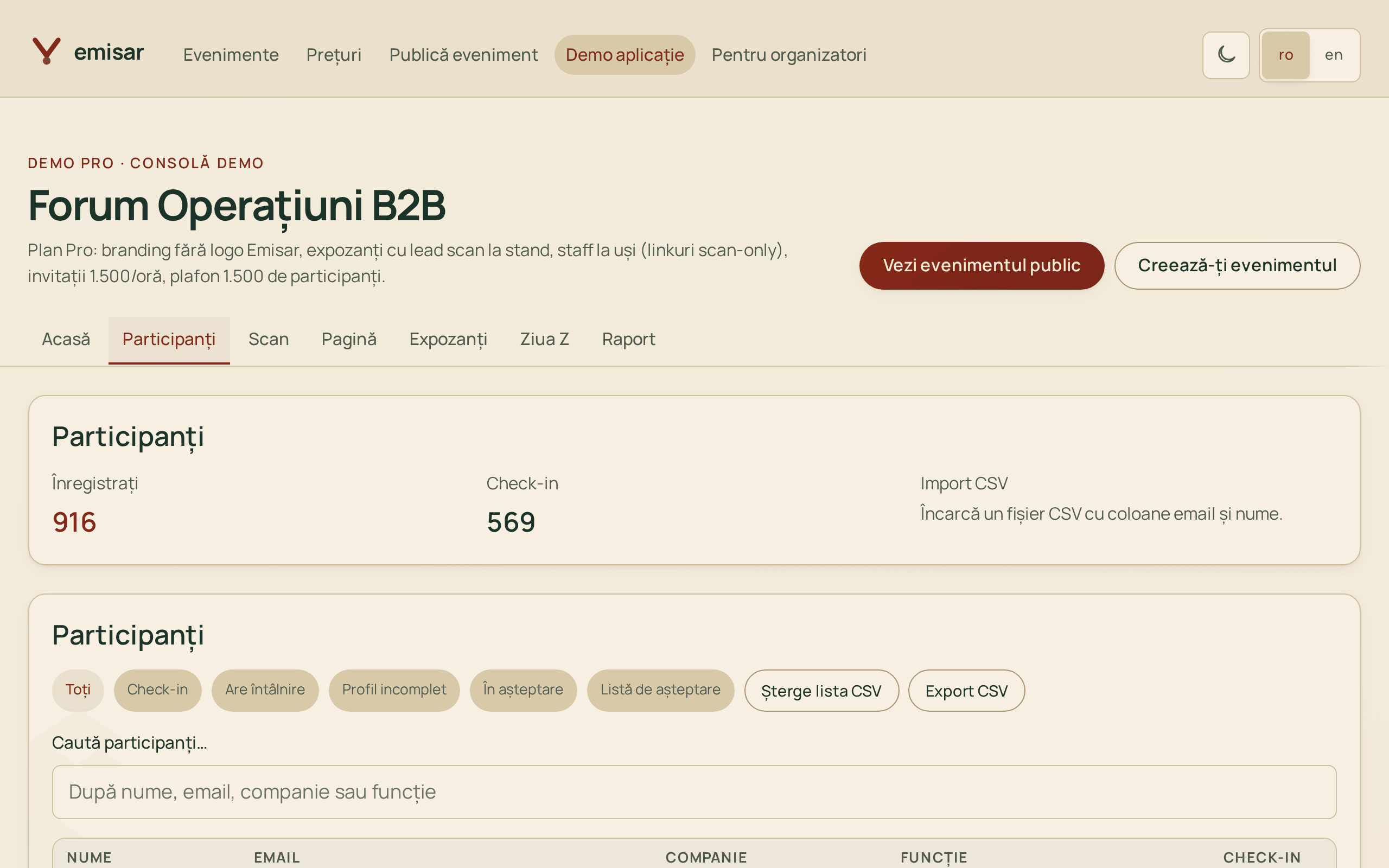
For organizers: the whole event in one dashboard

Registrations with approval, invitations, Eventbrite tickets, badges, team, Q&A, and reports.

  • Attendees: Excel import, tags, filters, approvals, export
  • On the day: live attendance, targeted announcements, moderated Q&A, polls
  • API and webhooks for your CRM or turnstiles

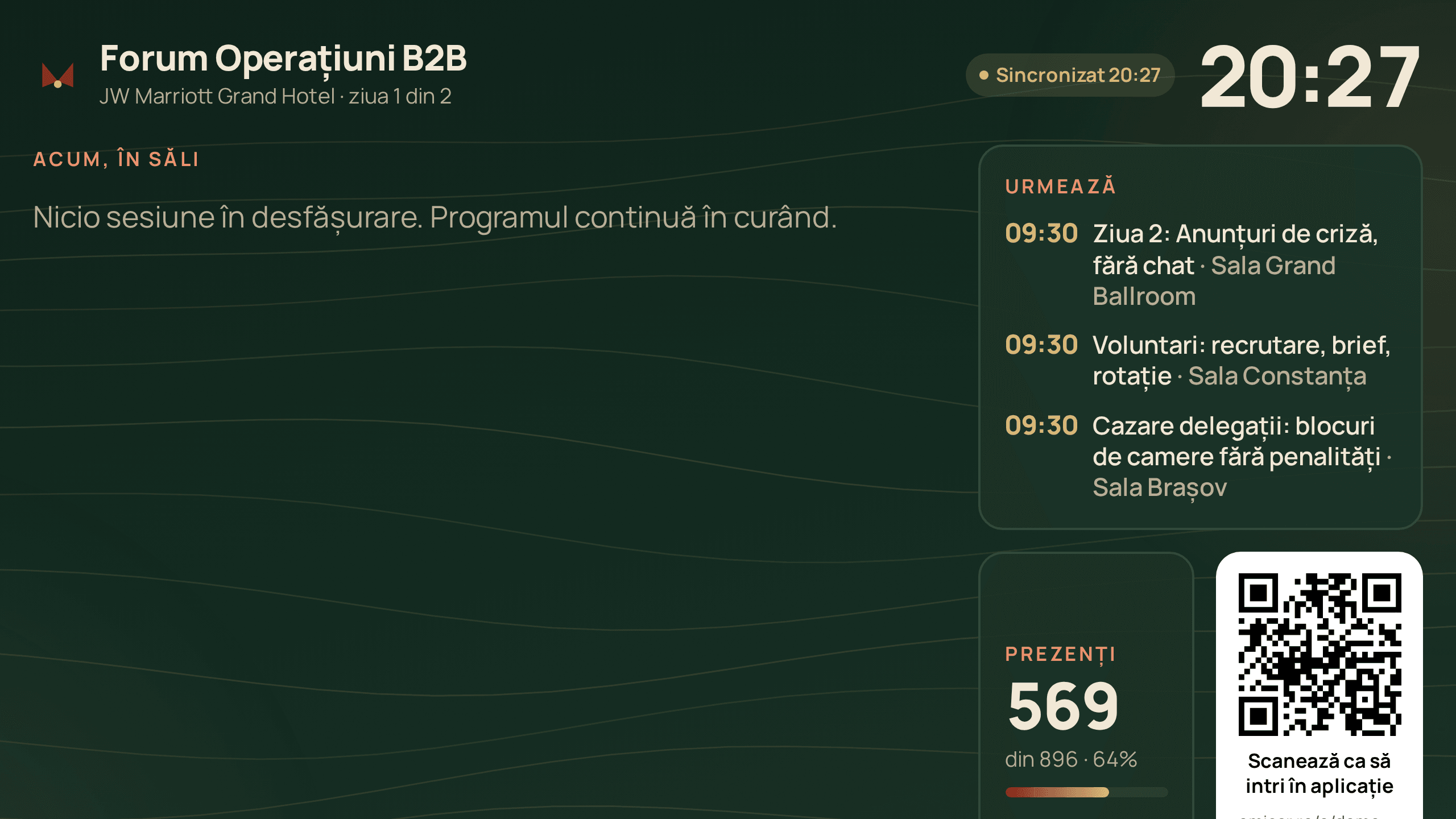
For the room: the projector screen

One link on the room laptop: what’s on, what’s next, questions, and partners. Readable from 10 meters.

  • Attendance and the live poll, refreshed every 20 seconds
  • A big QR code so people can join the app on the spot
  • Keeps working when the room Wi-Fi drops

What sets us apart

Four claims, four links that check them

Every claim comes with a link you can open now.

  • Matching is counted, not guessed

    Others show a percentage nobody can verify. We show how many criteria matched, and which ones.

    3 of 6 criteria in common

    In common: they offer what you’re looking for, same industry, same region

    See the badge in the demo directory
  • Event day, not just the week before it

    Door scanning without Wi-Fi, a room screen on the projector, live attendance by room.

    Open the room screen
  • The whole product is in Romanian

    Dashboard, attendee app, and room screen. English included.

    Open the demo dashboard
  • Scanning, session check-in, and leads are included

    No paid add-ons. Pricing is public, in euros.

    See pricing

How it works

Ready in an hour, not a month

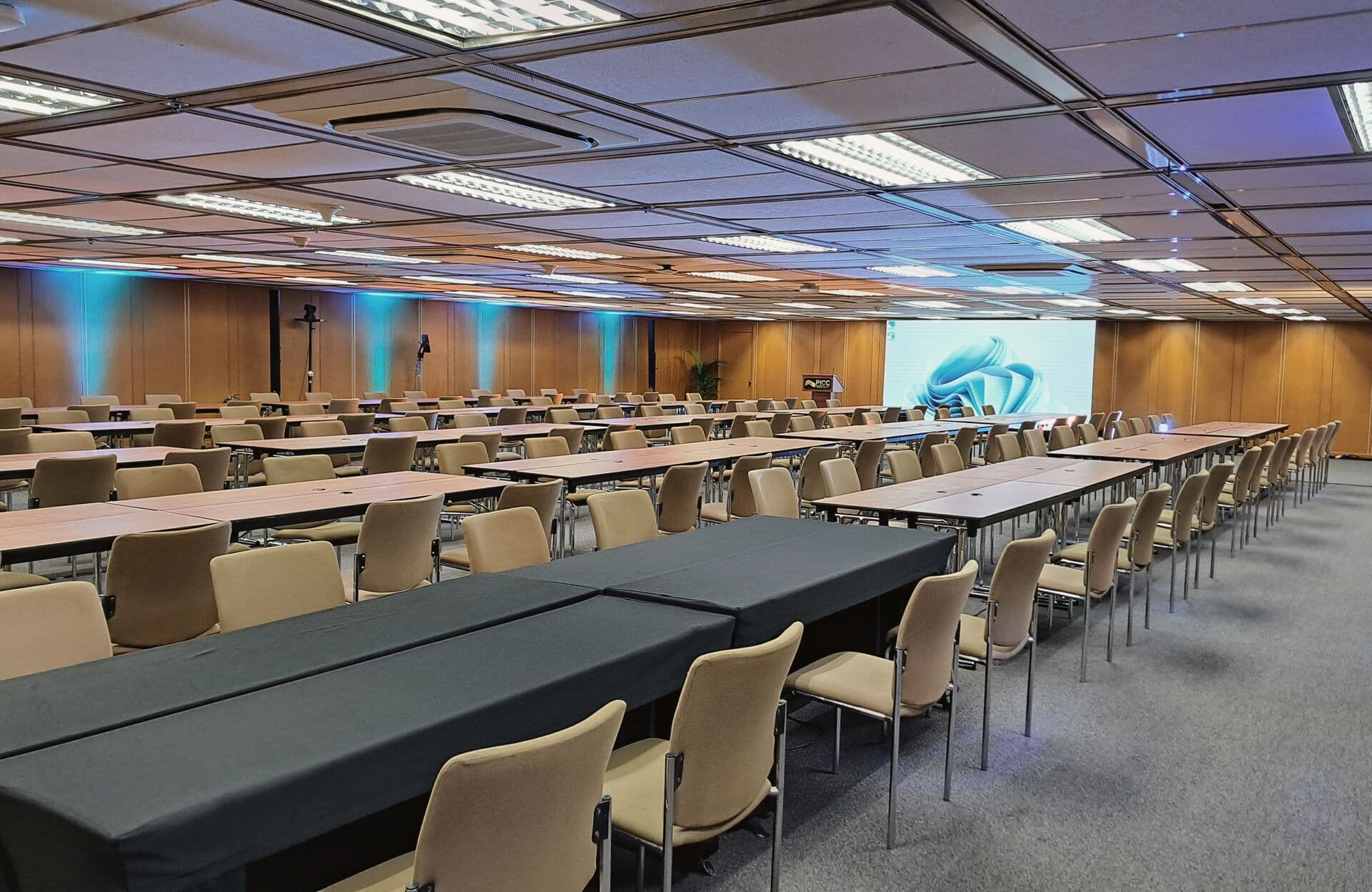
  1. Conference room set up before the event1

    Publish the event page

    Name, date, venue, speakers. Pick the format, and rooms and networking slots are set up for you.

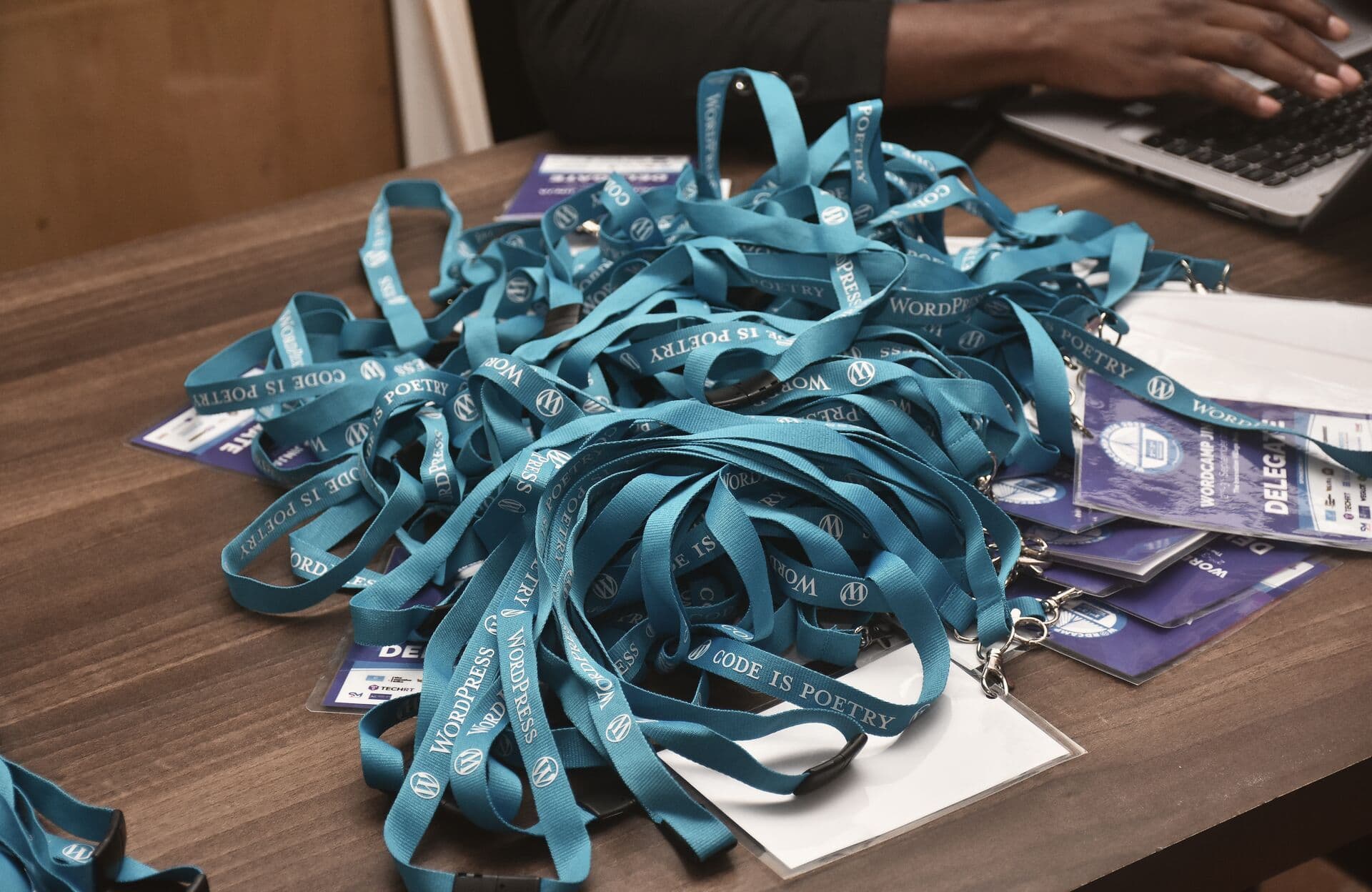
  2. Lanyards and badges ready on the registration desk2

    Bring in attendees

    Registration form, Excel import, or tickets from Eventbrite, Oveit, iaBilet and Biletin. Everyone gets a sign-in link and QR code by email.

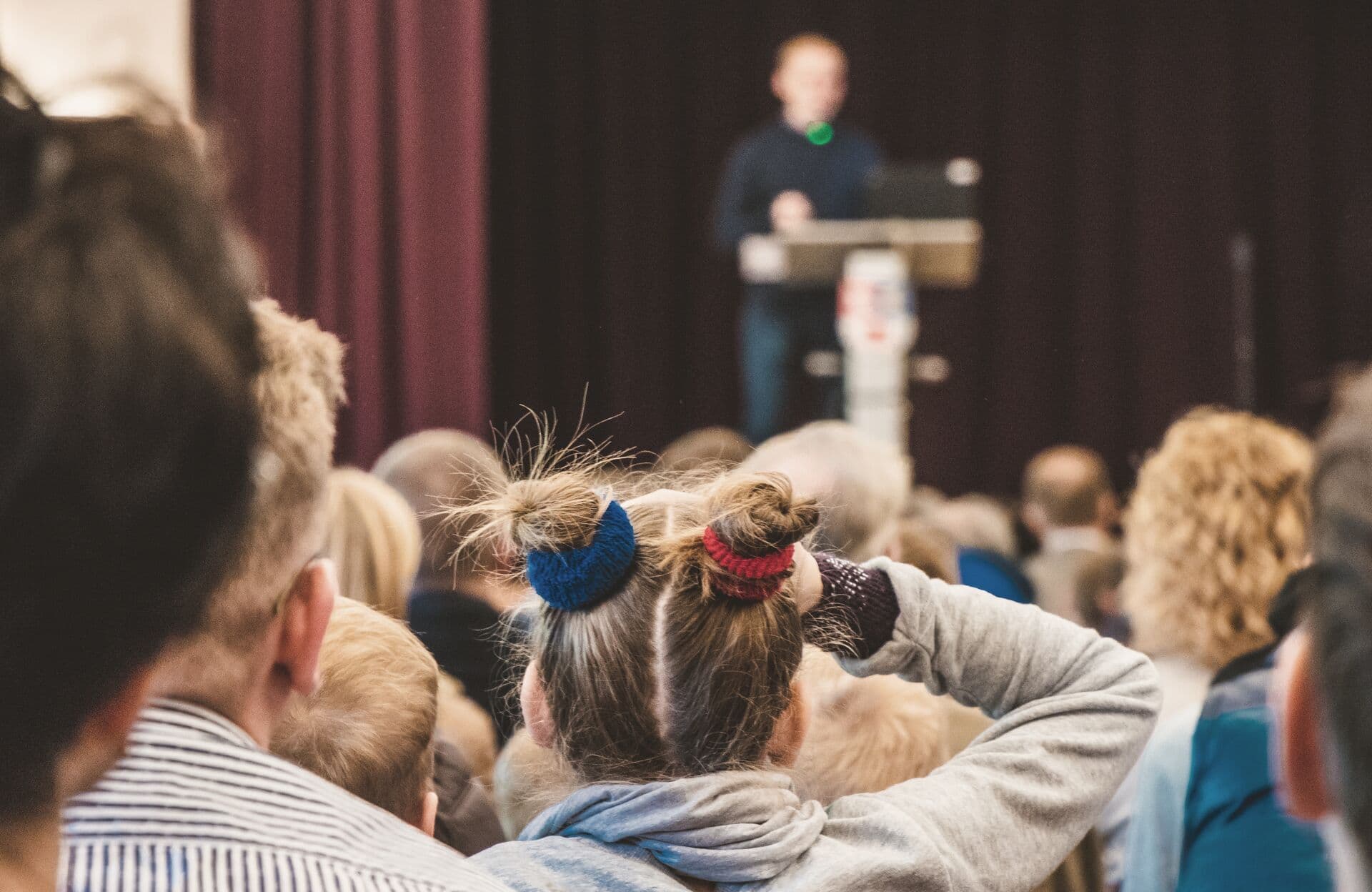
  3. Audience in the room listening to a speaker3

    Event day

    Check-in, badges, announcements, and Q&A on the room screen. The next day, you have the report.

Built for conference organizers

Attendees stay connected, and you stay in control.

  • Agenda

    Personal schedule, reminders, and calendar export.

    09:00Opening: running the roomGrand Ballroom
    10:30What an event really costsBrașov Room
    11:15Workshop: importing attendeesCluj Room
  • Networking

    1:1 meetings and contact exchange, based on what each person offers and needs.

    10:45–11:00Table 16

    Meeting with Adina Enache

    Head of Partnerships · Kaufland

    ConfirmedExchange contact
  • Check-in

    QR scanning at the door and live attendance.

    Checked in

    558of 921 · 61%

    peak tested: 34 scans per second

  • Offline

    What you do offline is sent automatically once you’re back online.

    Offlineupdated 10:41

    Waiting to send: 3

    • check-in · Adina Bucur
    • meeting accepted · 11:15

    sent automatically once you’re back online

  • Organizer dashboard

    Events, agenda, attendees, and networking in one place.

    921

    attendees

    12

    booths

    61%

    attendance

  • Registration & invitations

    Form with approval and waitlist, invitations with delivery status, tickets from Eventbrite, Oveit, or CSV.

    Ana PopescuApproved

    Category Manager · Kaufland România

    Radu Ionescu · BitdefenderPending

    12 pending · invitations go out automatically

Conference networking

How to organize networking at a conference

At almost every conference, “networking” appears three or four times in the agenda, but nobody organizes those minutes: people talk to their colleagues, and those who came alone check their phones. Attendees leave with business cards they won’t recognize by Monday, and the organizer has no connections to report.

Networking doesn’t “happen anyway.” It’s the only part attendees can turn into something measurable. Four things take luck out of it.

Your profile says what you offer and what you’re looking for

Three open fields that take 90 seconds (what I offer, what I need, what I want to leave with) instead of ten checkboxes. Sentences written by people make recommendations explainable.
The recommendation comes with a reason, not a score

“You have 12 recommendations” convinces no one. “We recommend Andrei: you need retail distributors, and he works with 40 stores” convinces right away.

The meeting has a time, a place, and a confirmation

An accepted request lands in both schedules: 11:15, table 16. You see how many meetings were proposed, confirmed, and held.

Contacts stay after the event

Contacts are exchanged in the app, with both sides agreeing, and stay after the event. Nobody transcribes business cards.

Attendees install nothing: the app opens from a link or a QR code, with no account and no password. A platform only matters if people use it.

Three things that are up to the organizer, not the app

  1. Put networking on the agenda, not between sessions: a 40-minute slot announced from the stage does more than four coffee breaks.
  2. Ask for profiles before the event: an email with three questions, a week ahead, is the difference between good recommendations and an empty list.
  3. Explain how it works from the stage. Thirty seconds at the opening doubles adoption.

Be the first to publish an event

B2B conferences only — no concerts, festivals or parties. Listing your event page is free.

Until then, try the demo, no account needed.

Pricing

Free up to 500 attendees

No card. Free includes the full app; Pro and Scale add door staff, exhibitors, API, and your own domain.

  • Free

    0 EUR

    Public page and full app, up to 500 attendees

  • Pro

    from450 EUR/ event

    Door staff, exhibitors with lead scanning, pages without our logo, API

  • Scale

    from990 EUR/ event

    Your own domain, no branding from us, event-day support

Frequently asked questions

Do attendees need to install anything?

No. The app opens from a link in the browser on any phone and can be added to the home screen. Attendees sign in with a sign-in link or a 6-digit code sent by email. No password.

Do you sell tickets?

No. It pulls in buyers automatically from Eventbrite, Oveit, iaBilet and Biletin, and you scan their tickets with Emisar APP at the door. Free events get the registration form.

What if the internet drops in the room?

The app keeps going: door scanning, the agenda, and the attendee QR code work offline. Scans are sent automatically once the connection is back.

Who can work in the organizer dashboard?

You and the colleagues you invite, with full or limited access. Door staff get a scan link, with no access to the dashboard or to contact details. Important actions are logged.

How do we connect our CRM or internal system?

On Pro, you get API keys and signed webhooks for attendees, check-ins, and events. The docs are public at /docs/api.

Where is the data and who sees it?

Data is stored on a server in Germany (EU), hosted by Contabo. Cloudflare sits in front of it, serving pages and running DNS. Each event is isolated in the database, and attendees choose what they share. The terms and the DPA are public.

How do you organize networking at a conference?

When attendees register, ask what they offer and what they’re looking for, in their own words. Give networking its own agenda slot, not just the breaks. Let the app propose meetings with a time and a table, then measure how many were confirmed. That number goes into the sponsor report.

What is a conference networking app?

It’s the app attendees use at an event to see who else is in the room, request 1:1 meetings, and exchange contacts. Emisar APP opens from a link in the browser, with no install and no password, and includes the agenda, QR check-in, and the attendee directory.

What doesn’t Emisar APP do?

It doesn’t sell tickets: it pulls buyers in from Eventbrite, Oveit, iaBilet and Biletin, and you scan their tickets at the door. There is no app in the Apple or Google stores — it opens in the browser and can be added to the home screen. And there are no points or badges for attendees: what counts here is contacts exchanged and the exhibitor ranking.

Your next conference, with real connections

Publish the event page in minutes. Turn on the networking app whenever you want, free up to 500 attendees.